
Sovereign AI training, with your data kept in Australia.
Matilda Train checks every request against limits your administrators set, isolates each run onshore, on Australian infrastructure with no outbound internet, and records how every model was made.
Rules enforced on the server, whichever client connects
Letting an agent near GPUs is a fair worry. Matilda Train enforces the rules on the server, so they hold whichever client connects.
Checked before it runs
Every request is validated against the GPU, time and resource limits your administrators set.
Scoped and revocable
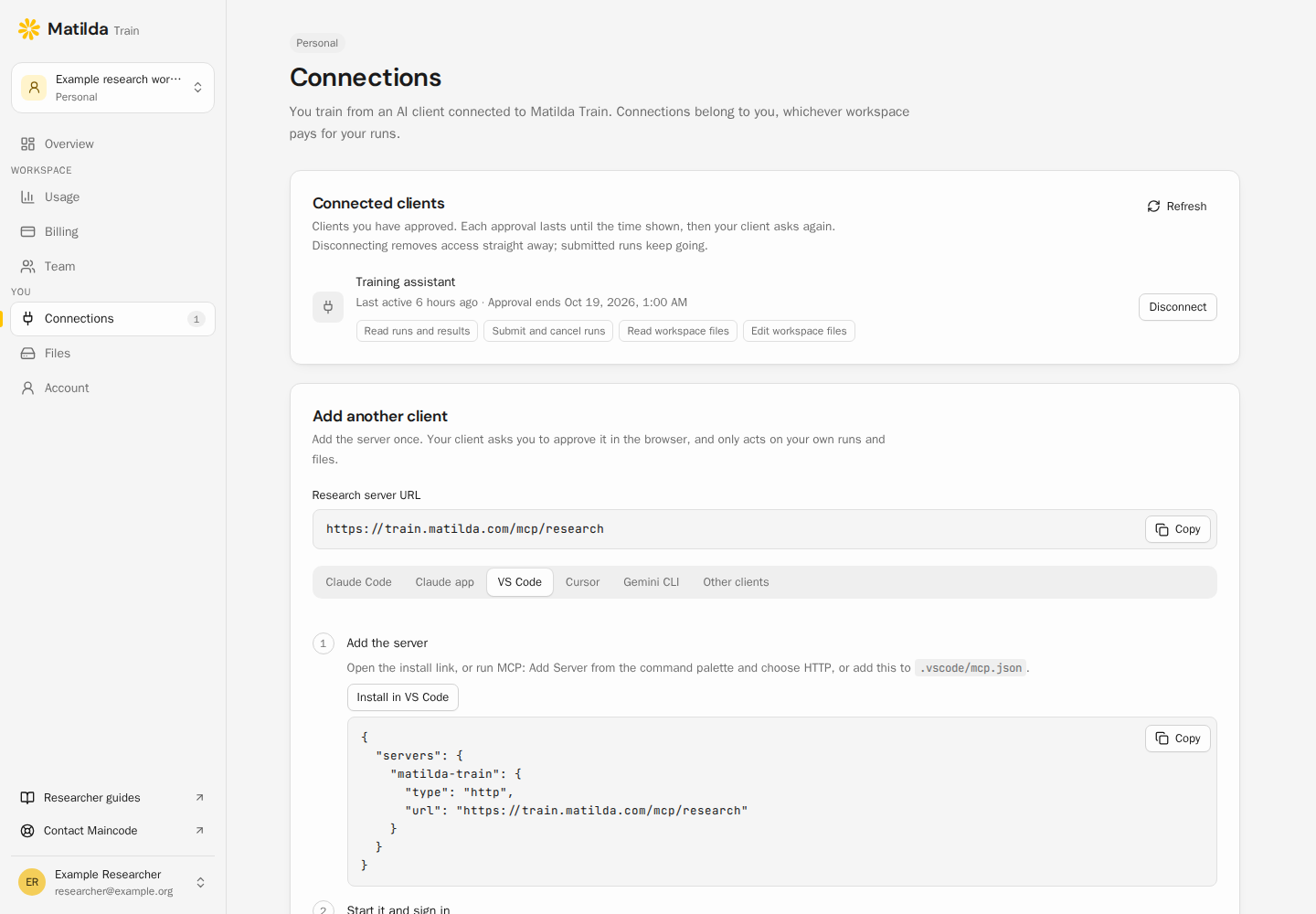
Grant read, submit and file access separately, and disconnect any client from your account at any time.
No duplicate jobs
An agent that retries can’t launch the same run twice.
Isolated runs
Each allocation has its own identity, filesystem and network isolation, with no outbound internet.
A record of every run
The script digest, parameters and input checksums are captured at submission, so you can show how a model was made.
| research:read | Your profile, run state, logs, metrics and artifacts |
|---|---|
| jobs:write | Submit, cancel and resume your runs |
| files:read | Read and download your workspace files |
| files:write | Create files, replace or delete reviewed files, and upload datasets |
Your data stays in Australia
Training data, checkpoints and run records stay on Australian infrastructure operated by Maincode. A run can’t send your data elsewhere, because allocations have no outbound internet.
When a run finishes, the weights are yours. Download them through your agent, SSH or the HTTP API, and keep them if you leave.
- Where training runs
- In Australia, on infrastructure that Maincode operates
- Outbound internet during a run
- Blocked. Each allocation has its own identity, filesystem and network isolation.
- Who can see your files
- Your account only. Being in the same organisation doesn’t give anyone access to your runs or files.
- Where the weights end up
- Your workspace, as standard files you can download and serve anywhere
Security questions
More detail, examples and troubleshooting are in the researcher documentation.
Where does my data go?
Do I own the model?
Which coding agents work?
Can I use SSH and a desktop editor?
Do I need to know Slurm or run a cluster?
Bring your training.
Own the model.
Create your account, add compute credits and connect your coding agent. You pay by the GPU-hour, and every checkpoint is yours to download.