The weights are yours
Every checkpoint lands in your workspace as standard files. Serve them anywhere, and keep them if you leave.
Model training by Maincode, the team behind MatildaBy Maincode, the team behind Matilda
Ask Matilda Code, or any MCP-capable coding agent or IDE, to run the training. We run it on AMD Instinct MI355X and NVIDIA B300 GPUs hosted in Australia, bill by the GPU-hour, and put the weights in your workspace.
›Fine-tune Qwen 2.5 on our support tickets so it replies like our team. One GPU, under $5.
As used by






Other clouds keep your tuned model and charge you to serve it. Here you pay for the training run, and everything it produces is yours.
Every checkpoint lands in your workspace as standard files. Serve them anywhere, and keep them if you leave.
Each run is isolated on Australian infrastructure that Maincode operates.
A$9.35per GPU-hour, including GST
Data transfer and a data scientist included. A finished model costs nothing to keep.
One MCP endpoint for Matilda Code or any MCP client. SSH, Slurm and a REST API too.
No console to learn and no cluster to run. If you can ask your coding agent for a change, you can ask it for a model.
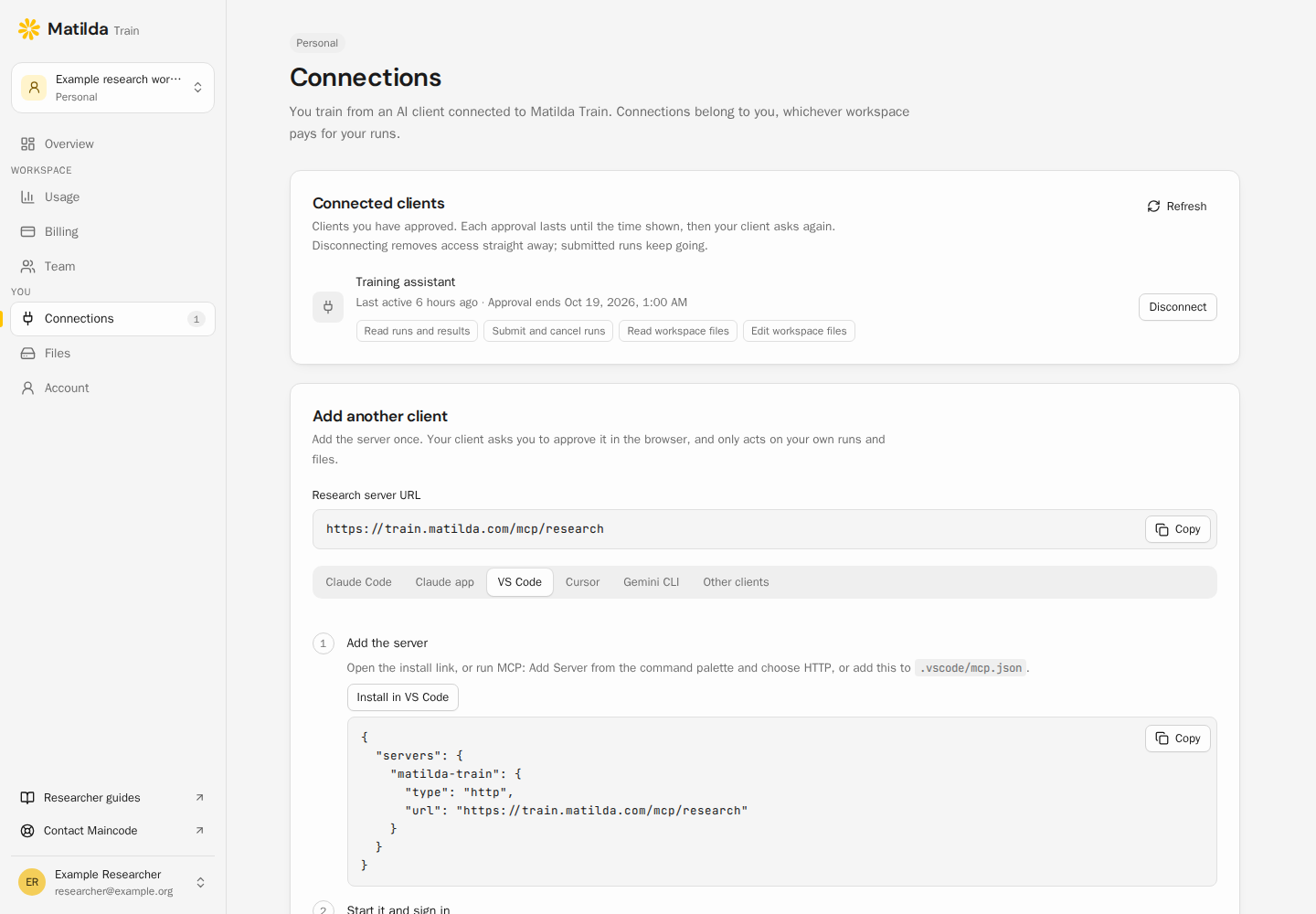
Add one remote MCP server to Matilda Code, or any MCP-capable coding agent or IDE, then approve the connection in your browser. Any client that supports remote MCP over HTTP with OAuth works.
https://train.matilda.com/mcp/researchDescribe the run in plain language. Your agent stages the data, checks the request against your limits with research_validate, then submits a durable job that keeps running if you close the laptop.
Fine-tune Qwen3-8B on data/tickets.jsonl. Hold out 5% for eval, use 8 GPUs, and stop when eval loss stops improving.Checkpoints and adapters land in your workspace. Download them through your agent, SSH or the HTTP API, and serve them anywhere you like.
runs/4f19a2/
├─ model/
│  ├─ config.json
│  └─ model-00001-of-00004.safetensors
├─ metrics.jsonl
└─ run-record.jsonPay by the second on demand, or reserve whole 8-GPU nodes for less, with the reserved term paid in advance.
| Booking | Per GPU-hour | Per node, monthly | Reserved term total | Good for |
|---|---|---|---|---|
| On demand | A$9.35 incl GST A$8.50 ex GST | A$54,604.00 | – | Experiments and bursts, billed per second |
| 1 month | A$9.075 incl GST A$8.25 ex GST | A$52,998.00 | A$52,998.00 | A single training run |
| 3 months | A$8.58 incl GST A$7.80 ex GST | A$50,107.20 | A$150,321.60 | A project |
| 6 months | A$8.25 incl GST A$7.50 ex GST | A$48,180.00 | A$289,080.00 | A research program |
| 12 months | A$7.48 incl GST A$6.80 ex GST | A$43,683.20 | A$524,198.40 | Ongoing training |
| 24 months | A$6.545 incl GST A$5.95 ex GST | A$38,222.80 | A$917,347.20 | A model roadmap |
| 36 months | A$4.95 incl GST A$4.50 ex GST | A$28,908.00 | A$1,040,688.00 | The lowest rate |
| Preemptible | A$4.675 incl GST A$4.25 ex GST | – | – | Jobs that checkpoint and can be requeued |
CPU-only allocations: A$0.066 per vCPU-hour including GST (A$0.06 ex GST), with up to 4 GiB RAM per vCPU included. Billed per second of allocated time. GPU allocations already include their CPU and memory.
NVIDIA B300: pricing on request. Tell us the run you have in mind and we’ll quote it.
The GPU-hour price is half the story.
The other half is how long the run takes.
Vendor-submitted MLPerf Training results, times each provider’s on-demand GPU-hour price in its Australian region. Your workload will differ.
2.7× faster
than the best published 8× H100 result: 10.18 against 27.54 minutes
4× cheaper
per run than AWS Sydney on demand: A$11.54 against A$47.06, excluding GST
What an Australian team gets from each provider’s managed fine-tuning today, side by side.
 Matilda TrainHosted in AustraliaAmazon BedrockModel customisation
When to stay put. If you want a customised Nova or Claude 3 Haiku and will only ever serve it inside Bedrock, use Bedrock’s customisation. Choose Matilda Train when you want to own the model, keep training in Australia, or train something their menus don’t offer.
Matilda TrainHosted in AustraliaGoogle CloudGemini Enterprise Agent Platform, formerly Vertex AIWhen to stay put. If you need a tuned Gemini and will only ever serve it on Google Cloud, use Google’s tuning. Choose Matilda Train when you want to own the model, keep training in Australia, or train something their menus don’t offer.
Matilda TrainHosted in AustraliaMicrosoft FoundryFormerly Azure AI FoundryWhen to stay put. If you need a fine-tuned GPT-4.1 or o4-mini and will only ever serve it on Azure, use Foundry. Choose Matilda Train when you want to own the model, keep training in Australia, or train something their menus don’t offer.
Letting an agent near GPUs is a fair worry. Matilda Train enforces the rules on the server, so they hold whichever client connects.
Every request is validated against the GPU, time and resource limits your administrators set.
Grant read, submit and file access separately, and disconnect any client from your account at any time.
An agent that retries can’t launch the same run twice.
Each allocation has its own identity, filesystem and network isolation, with no outbound internet.
The script digest, parameters and input checksums are captured at submission, so you can show how a model was made.
| research:read | Your profile, run state, logs, metrics and artifacts |
|---|---|
| jobs:write | Submit, cancel and resume your runs |
| files:read | Read and download your workspace files |
| files:write | Create files, replace or delete reviewed files, and upload datasets |
Neither of these GPUs is offered in AWS, Google Cloud or Azure’s Australian regions. Both carry 288 GB of memory per GPU, 3.6× an 80 GB H100, so bigger models and longer contexts fit on fewer GPUs.
288 GBHBM3E per GPU
288 GBHBM3E per GPU
Your training scripts come with you. On MI355X, a Maincode data scientist helps port anything CUDA-specific in your first run.
Maincode built this platform to train its own models. The scheduler, the isolation, the run records and the agent tools are the ones our researchers use every day, so the problems that slow training down have already been dealt with.
When you start, a Maincode data scientist works with your team to port your code and tune the first runs. You work with people who train models for a living.
More detail, examples and troubleshooting are in the researcher documentation.
Create your account, add compute credits and connect your coding agent. You pay by the GPU-hour, and every checkpoint is yours to download.
Amazon Bedrock, Google Cloud, Gemini Enterprise Agent Platform, Vertex AI, Gemini, Microsoft Foundry, Azure and other product names are trademarks of their owners, used here to identify and compare.